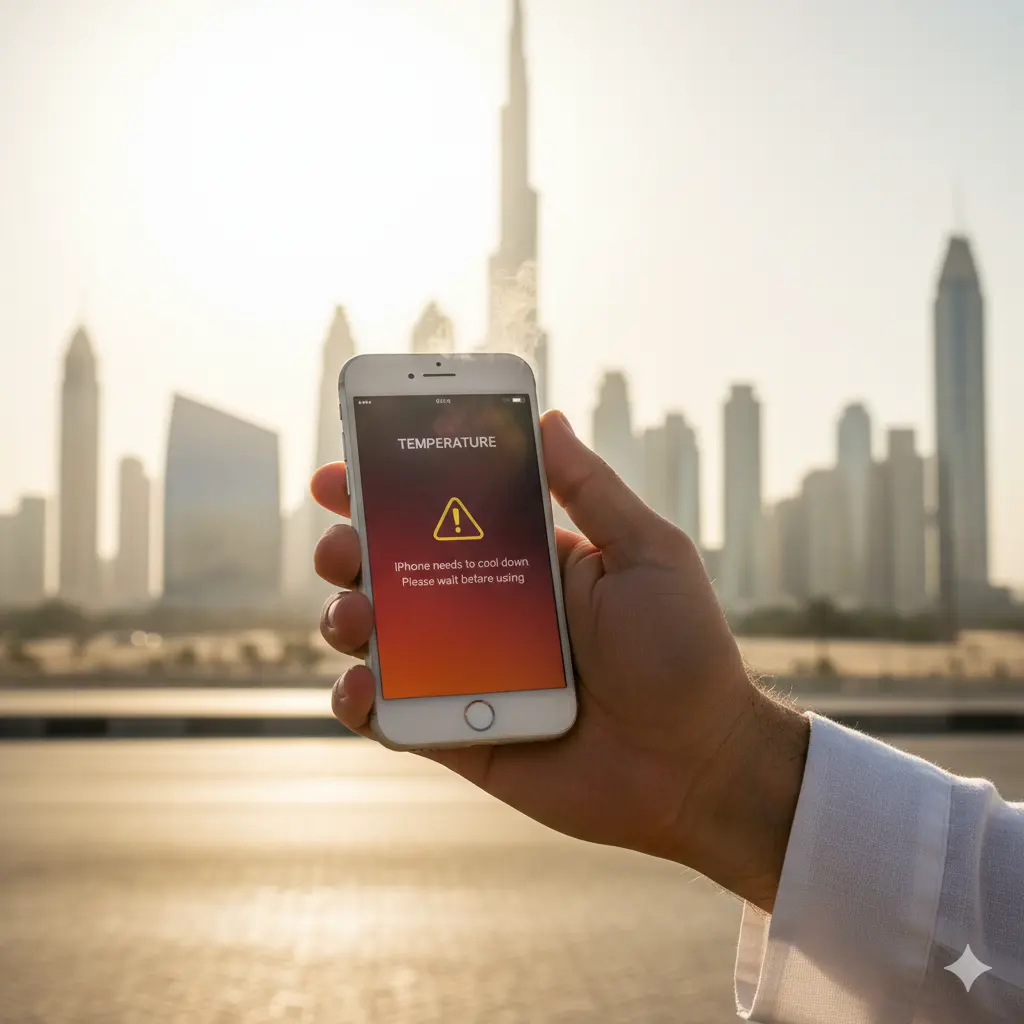
Static or Hissing Noise from iPhone Speakers on Recent Models: Causes & Fixes
If you find that a static or hissing sound is coming from the speaker of your iPhone, this can be quite frustrating; the worst part is that, in other aspects, the iPhone’s functioning is normal. Many iPhone users have been complaining lately that their phones have been cracked with buzzing sounds while in call or music-enabled mode, or in silent periods as well. This has been significantly noted in the latest iPhone models.
While the impact of not considering speaker loudness can be dire in the future, the consistent interference in the smooth operation of the computer can be likened to the dismissal of many issues in UAE society; in the future, things can worsen. This is where experts like Techman come in to offer the necessary solutions so you are not stuck in the middle of audio problems.
Common Symptoms of iPhone Speaker Noise Issues
If the speaker problem is identified early, you can avoid causing damage to your iPhone device.
There are several symptoms in the case of a speaker problem, including:
- Crackling during playback: Lack of crisp sound while playing the sound file. Crackling while playing the sound file at any level.
- Hissing or static when Idle: Hissing or static sounds while there is nothing to play.
- Distorted Call Voices: Voices heard during a phone call received on speakerphone sound distorted.
- Unbalanced Volume Output: One portion of the speaker output is louder or softer than another portion.
- Temporary quietness or bursts: Sound levels come and go abruptly and have no particular pattern
These symptoms can also hurt your daily experiences, whether related to music listening or telephoning.
Why Do iPhone Speakers Produce Static or Hissing Noise?
Several factors may account for the annoying sound or the problem with the sound you hear from the iPhone’s speaker. Some of the most probable causes of the problem include the following
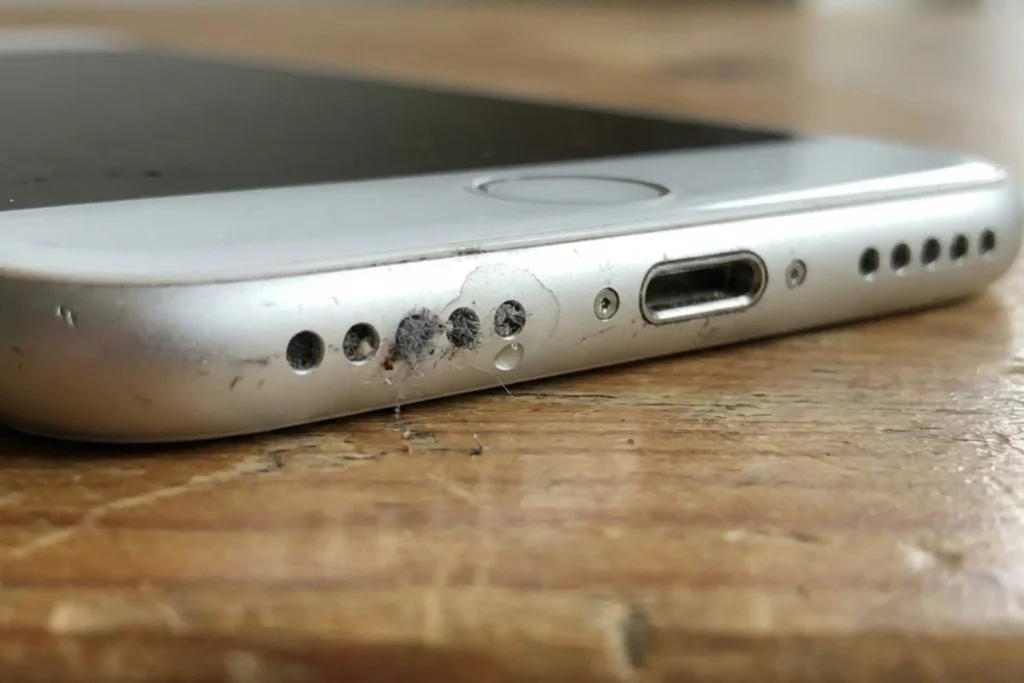
- Dust, Dirt, or Debris in Speaker Grilles: Consequently, tiny pieces of dirt can accumulate on the speaker’s mesh screen, leading to the audio being disrupted. These particles affect the sound wave pattern, resulting in crackling or hissing. Cleaning can be achieved by compressed air or brushing the dirt with soft-bristle brushes.
- Moisture or Liquid Exposure: Small amounts of moisture may have an impact on the performance of the speaker as well. Normally, a drop of water would be enough to create some sort of distortion in the function of the speaker’s diaphragm that would end up producing some forms of static noise for the recipient of the call.
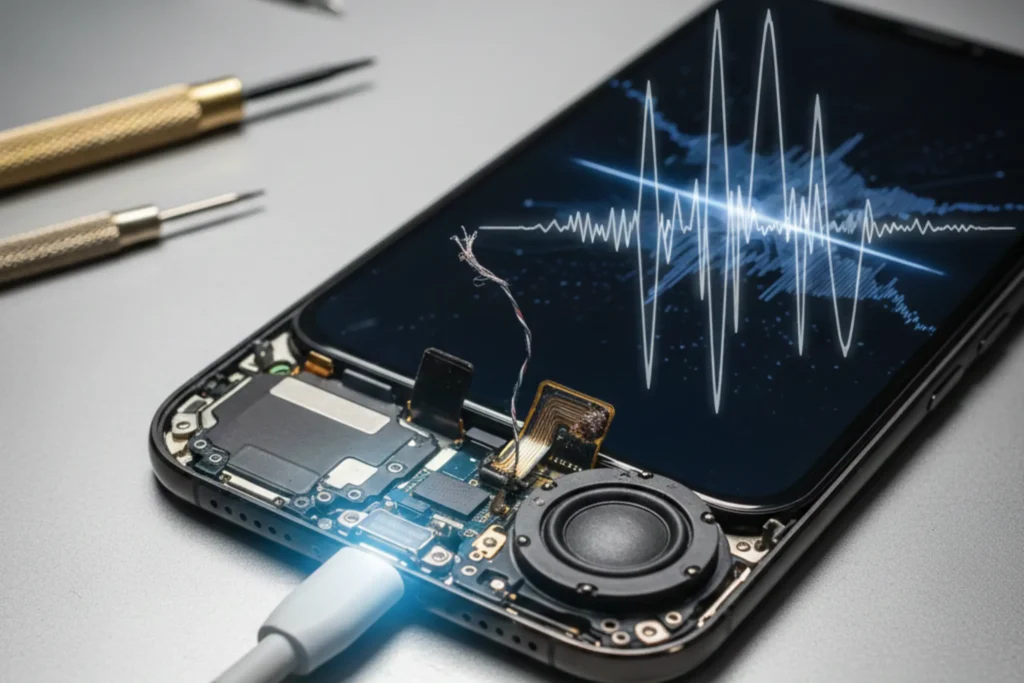
- Hardware Wear or Speaker Damage: The components used inside the speaker can get damaged. In recent iPhone models, including the iPhone Pro series, several users claim that the smartphone is facing some sort of noise, and that it is related to the hardware.
- Interference in Software or Firmware: Less commonly, software glitches after an update or incorrect audio routing settings result in unusual sound behavior. On occasion, software resets may resolve the issue, but stubborn problems almost invariably point to hardware-related issues.
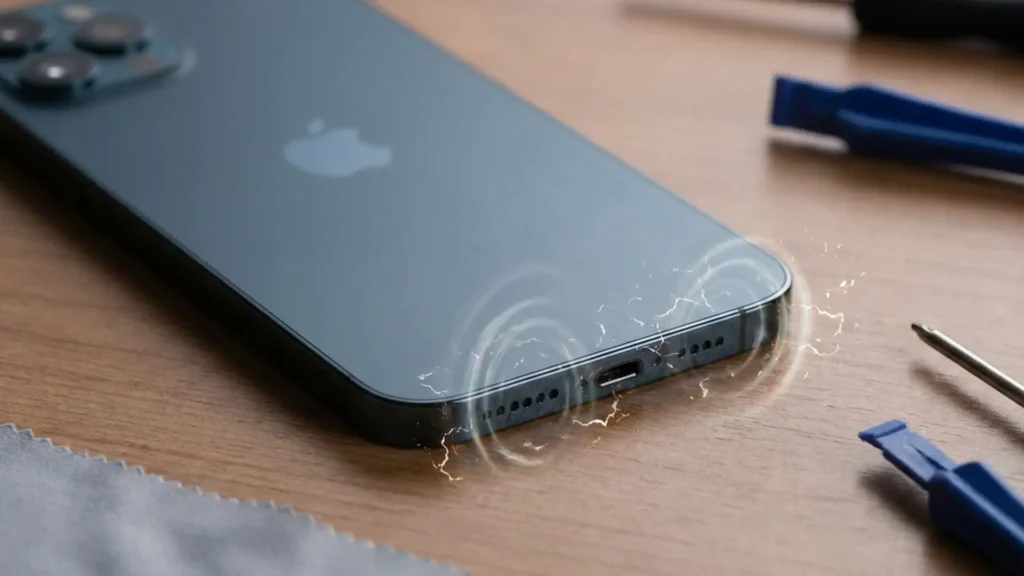
- Interference about Charging: There are reports of electrical interference when charging, in which hissing or static from the speaker may be heard, especially with low volumes.
Are there a lot of issues related to the speakers in the latest iPhone models?
While not widespread, speaker noise problems have, for some recent iPhone generations, been documented by users. There have been reported instances of static or hissing, even when audio is not playing, that would indicate hardware sensitivity in some models.
It is important to distinguish between intermittent minor noise, which could result from dust or temporary interference, and ongoing distortion, which could mean a defective speaker or related component.
Temporary Fixes You Can Try (If the Problem Is Minor)
For those interested in attempting some troubleshooting measures before scheduling a service job to fix the distortion within a sound system, a number of initial measures can be taken prior to the repair
- Clean the speaker openings softly with a dry, soft-bristled brush to remove the surface dust and/or lint.
- Disable the Bluetooth option or the AirPlay option to prevent any audio being routed elsewhere.
- Resetting your iPhone can clear any potential software conflicts.
- Remove all cases or screen protectors as these may be partially obstructing the speaker grills.
- It’s also important that you are updated to the latest iOS operating system; audio problems are sometimes fixed with patches to the operating system.
In some instances, they may remove interfering sounds that result from buildup, setting, and software interactions.
Professional iPhone Speaker Repair Solutions at Techman
If the efforts do not yield the desired results to fix your iPhone static sound and/or hissing problem, seeking professional assistance is recommended. Techman is a professional solution for fixing hardware faults for iPhones and offers iphone speaker repairs, which could also be affected by internal damage and manufacturing defects.
Here’s why Techman is a good choice:
- Comprehensive Diagnosis: The technicians carry out a comprehensive assessment of the speaker in question to identify the precise reason behind the speaker difficulties.
- Genuine Parts: Repairs take place through the usage of certified parts to guarantee quality.
- Fast Turnaround Time: Some of the repairs may even be available the same day.
- On-Site and In-Center: Choose whether to visit your service center or utilize other convenient On-Site options.
- Warranty Support: Many times, a warranty is also included with the repair.
Regardless of whether the issue is a minor speaker distortion or an extreme static noise, expert services guarantee that none of the problems go unseen. If specifically looking to find an iPhone repair Dubai service, an iPhone service Dubai, or an iPhone repair Dubai facility to deal with speaker problems, Techman and other certified services make for great choices.
Conclusion
The occurrence of the static or hissing sound when you play music on the iPhone’s speaker does not simply represent an act of simple irritation. Instead, it may illustrate more serious complications with the hardware of the iPhone, considering the quality of sound delivered by the speakers. Irrespective of the new or previously trouble-free nature of the iPhone, fixing the issue of the distorted sound represented by the static or hissing sound is deemed to be of significant importance for the smooth functioning of the iPhone itself.
For professional support, dealing with an established company like Techman ensures you receive the benefits of professional engineers’ expertise and genuine parts while assuring a professional service workflow focused on quality and reliability. Techman, being the trusted site for different solutions like ‘iPhone repair Dubai,’ ensures you can rely on their support.
Ready to Fix Your iPhone Speaker Noise?
Visit Techman or contact your preferred iPhone service center in Dubai today for professional diagnosis and repair.