MacBook Repair Specialist Dubai
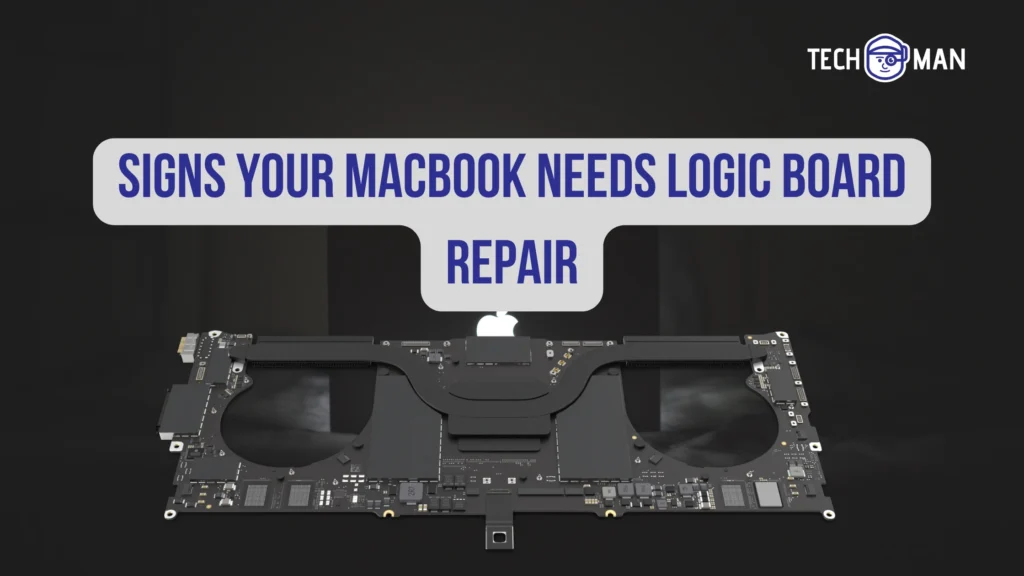
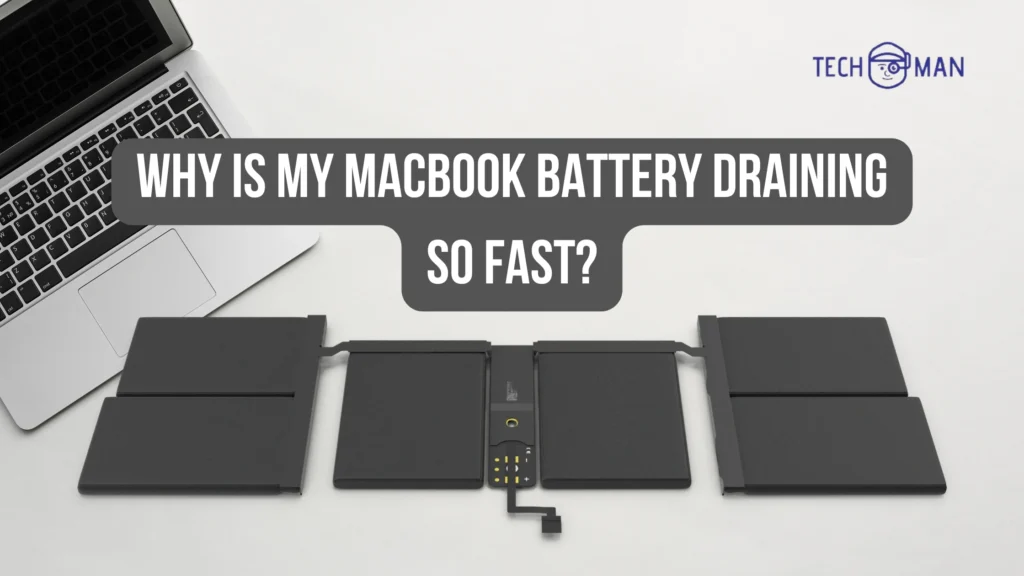
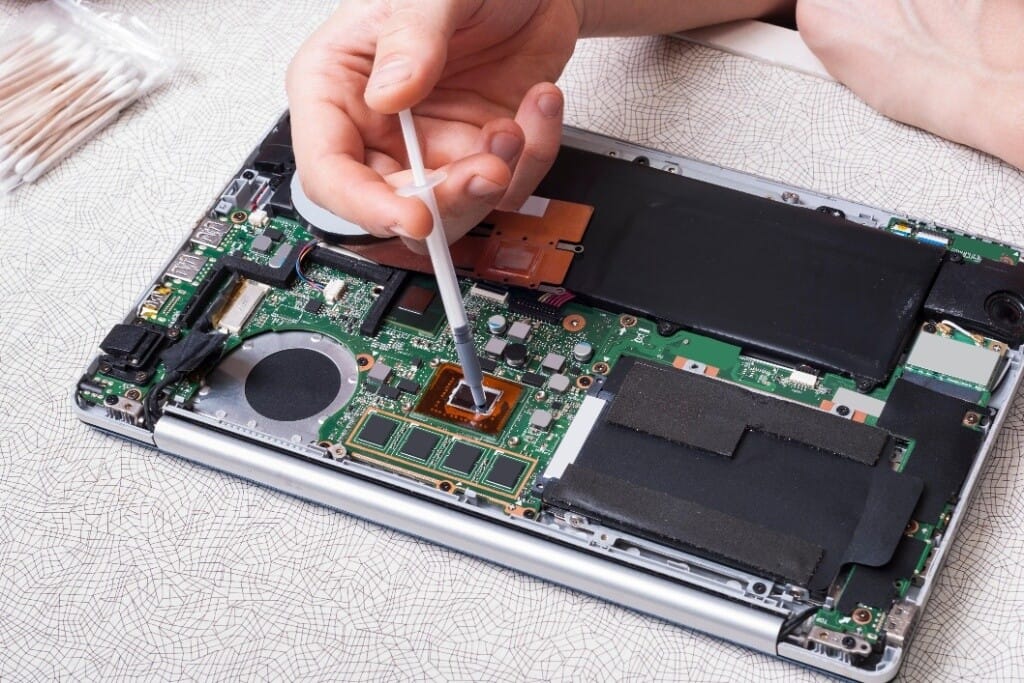
MacBook Repair Specialist Dubai – Fix Your MacBook Fast at Techmanme Did your MacBook Air or MacBook Pro stop working? Maybe your screen is cracked, the battery is dead, or your MacBook just won’t turn on. Don’t worry. There is a reliable place in Dubai that can fix it all — Techmanme. I know how important it is to have your MacBook working. Whether it’s for school, work, or personal use, you don’t want a broken MacBook slowing you down. Techmanme provides fast, professional, and trusted MacBook repair services across Dubai. Why Techmanme is the Best MacBook Repair Specialist in Dubai Techmanme is the best choice because: They repair both MacBook Air and MacBook Pro Same-day repair service is available High-quality parts are used for long-lasting performance Experienced technicians handle every repair Walk-in service is available — just come and get your MacBook fixed MacBook Repair Services Offered by Techmanme Techmanme provides complete repair solutions for all types of MacBook problems. Here are the main services: Screen Repair Cracked or broken screen? Techmanme replaces it so your MacBook looks and works like new. Battery Replacement If your MacBook battery is draining fast or shutting down unexpectedly, they replace it with a high-quality battery to restore long-lasting performance. Water Damage Repair Accidental spills or liquid damage can harm your MacBook. Techmanme performs careful diagnostics and repairs to save your device. Keyboard and Trackpad Repair Not all keys working? Trackpad not responding? Their experts fix keyboards and trackpads efficiently. Logic Board and Motherboard Repair For serious issues like a MacBook not turning on or other complex hardware problems, Techmanme provides advanced motherboard repair to restore full functionality. Other Repairs Techmanme also handles software issues, charging port repair, speaker repair, and other common MacBook problems. Areas Served in Dubai Techmanme provides repair services across all major areas in Dubai, making it easy to get your MacBook fixed near you: Business Bay Deira Dubai Marina Al Barsha No matter where you are in Dubai, expert MacBook repair is accessible and convenient. Why Choose Techmanme for MacBook Repair There are many repair shops, but Techmanme stands out because of: Quick and reliable service Affordable pricing with no hidden fees Experienced MacBook technicians Warranty on all repair services Convenient locations and walk-in service Choosing the right repair specialist ensures your MacBook works properly and avoids future problems. Frequently Asked Questions (FAQs) 1. Which MacBooks does Techmanme repair?Techmanme repairs all models, including MacBook Air and MacBook Pro. 2. How long does a MacBook repair take?Most repairs, like screen or battery replacement, are completed on the same day. 3. Do you provide a warranty for repairs?Yes, all repairs come with a warranty to guarantee quality service. 4. Do I need an appointment?No appointment is needed. Walk-in service is available. 5. Can you repair water-damaged MacBooks?Yes, Techmanme offers professional water damage repair depending on the level of damage. 6. Which areas in Dubai are covered?Techmanme serves Business Bay, Deira, Dubai Marina, Al Barsha, and surrounding areas. 7. Is repair better than replacement?In most cases, repair is more cost-effective and faster than buying a new MacBook. Call to Action – Get Your MacBook Fixed Today Don’t wait while your MacBook slows you down. Visit techman today to get MacBook Air repairing and MacBook Pro repairing services in Dubai. Walk in for fast, same-day repair Expert technicians with high-quality parts Affordable and transparent pricing Warranty included Get your MacBook working like new again with Techmanme, the trusted MacBook repair specialist in Dubai. Read More:- The best iphone repair shop in Dubai, UAE