iPad

ipad service in JVC

Why Warranty Matters: A Complete Guide to Safe and Genuine iPad Service in JVC

Why Warranty Matters: A Complete Guide to Safe and Genuine iPad Service in JVC Why is reliable iPad service in JVC a necessity? When your device doesn’t turn on or slows down, you need the expert service of an iPad repair centre in JVC. Here is what you should be aware of! Poor-quality repairs might permanently affect your iPad’s performance or, at least, its resale value. Fake parts, no warranty, and poor repair quality are some of the nightmares of iPad owners.  Your expensive iPad should be handled by an experienced, skilled technician at an iPad service centre that offers genuine service and warranty protection. That is exactly what Techman offers. And there is more you need to know. This blog guides you through choosing safe and genuine iPad services in JVC.     What Warranty Really Matters for iPad Users Yes, you are right! Warranty truly matters to iPad users. It means safe repairs. Here is what you need to know about why you should choose warranty-backed repairs.  Manufacturer Warranty and Service Warranty: The difference Manufacturer Warranty Service Warranty (Techman) Covers factory defects, hardware failures, internal faults from Apple Covers issues related to replaced parts or repair workmanship Issued by Apple Issued by Techman  Valid only when original parts and authorised repair standards are used Valid only for the specific repair or parts replaced 100% genuine Apple components Techman utilises original Apple parts Warranty becomes void with fake parts Service warranty applies to original parts Cost is free for covered defects Free replacement if parts fails during warranty period Device protected by Apple-quality standards Repair work at Techman is safe, reliable and professionally done Why Warranty Gives Peace of Mind for Repairs When it comes to iPad repair in JVC, the first thing customers look for is a service warranty. You can rest assured; a warranty ensures your iPad is repaired with genuine, high-quality parts, reducing the risk of repeated failures. You can get a free repair or replacement if the replaced part fails again within a specified period. Techman is a warranty-backed iPad service centre in JVC that follows proper repair standards. Our skilled technicians ensure safe handling of your device during repairs. Warranty eliminates your anxiety about being cheated with counterfeit parts, hidden charges, or unreliable repairs.   Common Issues Faced by Users During iPad Repairs in JVC Shops using counterfeit parts Counterfeit parts look similar to original parts but fail quickly. Some shops may use such fake components that affect touchscreen sensitivity, battery life, and overall device performance.   No guarantee after repair Some repair centres offer iPad service in Dubai with no service warranty. In this case, if the repaired part fails again, free replacement and repairs will not be available. Users will have no choice but to pay the full amount again, leading to unnecessary expenses.   Screen failure or battery drain after a few days Low-quality repairs are another concern. iPad service in JVC with improper installation, fake screens, or poor-quality batteries causes issues shortly after repairs. Users may experience display glitches, dead spots, rapid battery drain, or sudden shutdowns within days.  Extra charges for re-repair An unreliable iPad repair centre in JVC may charge additional fees to fix issues caused by their own low-quality repair. As a result, customers may feel frustrated when the total cost of service increases unnecessarily.  Genuine Parts vs Counterfeit Parts: Why it Matters If you are looking for an exact fit, responsiveness, and durability, genuine parts are the right choice, as they meet Apple’s specifications. Counterfeit parts cause touch delays, colour distortion, weak battery output, or screen flickering. Not just that, it increases the risk of short circuits, overheating, and internal damage.  Non-original parts, including counterfeit parts, immediately void the device warranty, as service centres can easily identify them. For face screens, batteries, or internal components, utilising them makes future official repairs costly or even rejected.  Battery swelling causes a strong association that results in damage to the iPad’s display or internal board. It is due to the poor chemical quality of the battery. When you use an imitation screen, you can expect ghost touches and unresponsive areas. Other than battery swelling or touchscreen issues, the counterfeit causes motherboard damage due to excessive heat. It all shortens the device’s lifespan.    How Warranty Protects You During iPad Service Warranty is a crucial factor when it comes to iPad service in JVC or anywhere. If you replace the screen, battery, or internal parts and they stop working. No worries. Warranty ensures you won’t pay again, providing a free replacement, eliminating unexpected repair expenses. Choose a warranty-backed iPad repair centre in JVC to protect against fake or low-quality parts that can lead to overheating, poor battery life, touch issues, or long-term device damage.  Just a warranty is not enough; the expertise of technicians in adapting the right tools to maintain Apple-recommended repair practices matters. Ensuring technicians in your chosen iPad service centre in JVC follow proper repair standards is important.  Repair from a reputable service centre with a valid warranty saves money on future repairs by eliminating recurring problems. Warranty covers part-related failures, prevents multiple repair bills, and offers long-term savings.   How to Identify a Trusted iPad Service Center in JVC Ask about the quality of replacement parts, as premium-grade components ensure better performance, safety, and durability for your iPad.  A trusted iPad service centre in JVC offers a written warranty on parts and labour. Check warranty duration; it usually ranges from 3 to 12 months, giving your device protection if issues reappear.  Reliable iPad service in JVC provides clear estimates before starting repairs. Ensuring transparent and upfront pricing avoids hidden costs or surprise charges after service.  Explore real customer experiences through different media. Reading Google reviews and customer feedback can help you understand repair quality, professionalism, turnaround time and satisfaction levels regarding your chosen iPad repair centre in JVC.   Look for professional repair standards and certifications. Certified technicians, clean workstations, proper tools, and organised processes project the reliability of the iPad service centre.

Why Warranty Matters: A Complete Guide to Safe and Genuine iPad Service in JVC Read More »

ipad battery replacement in dubai

Is Your iPad Losing Power Too Quickly? Get It Replaced at the Best iPad Battery Replacement in Dubai.​

Is Your iPad Losing Power Too Quickly? Get It Replaced at the Best iPad Battery Replacement in Dubai. Go for an iPad battery replacement in Dubai if your device is draining faster than usual. Tired of overheating or unexpected shutdown issues? The early warning signs of battery trouble need to be identified quickly if you don’t want to disrupt productivity, creativity, and everyday convenience. When you rely on iPads for work, study, or entertainment, the frequent recharges interrupt your engagement with your activities. Delayed battery replacement leads to a significant drop in performance, device overheating, or even permanent hardware damage. This is where Techman steps in by offering professional iPad repair in Dubai.  Top Reasons Your iPad Battery May Be Draining Fast Before seeking iPad repair in Dubai, let’s first understand the possible reasons why your iPad is draining fast. Background App Activity A significant cause of power consumption, even when not in use, is the apps running in the background. Frequent background refresh, app syncing, and location access drain battery life. Photography Maids table how learn drift but purse stand yet set. Music me house could among oh as their. Piqued our sister shy nature almost his wicket. High Screen Brightness & Location Services Constantly enabling location services and keeping brightness at maximum consumes extra power. Yes, high display settings and GPS tracking require more energy, which is what leads to quick battery drain. Photography Maids table how learn drift but purse stand yet set. Music me house could among oh as their. Piqued our sister shy nature almost his wicket. Old or Worn-Out Battery With frequent charge cycles, battery health degrades. An ageing battery loses capacity, which leads to shorter usage periods, overheating issues, and frequent charging needs. Photography Maids table how learn drift but purse stand yet set. Music me house could among oh as their. Piqued our sister shy nature almost his wicket. Outdated iPadOS or Buggy Updates System errors, app crashes, and compatibility issues strain the battery, reducing its overall performance. This can be caused by running an outdated iPadOS or using buggy updates, which trigger battery drainage. Photography Maids table how learn drift but purse stand yet set. Music me house could among oh as their. Piqued our sister shy nature almost his wicket. Weak Wi-Fi or Cellular Signal Your iPad consumes extra energy when it has to constantly search for a stable network in a weak signal area. That means poor Wi-Fi or cellular signals accelerate battery depletion. Photography Maids table how learn drift but purse stand yet set. Music me house could among oh as their. Piqued our sister shy nature almost his wicket. Extreme Temperatures Exposure to extreme temperatures can affect battery efficiency. It reduces the capacity, shortens the lifespan, and causes power loss, which is faster than usual.  Photography Maids table how learn drift but purse stand yet set. Music me house could among oh as their. Piqued our sister shy nature almost his wicket. Tips to Prevent iPad Battery Drain Many factors contribute to battery drainage. Before seeking iPad service in dubai, here are some tips to check for:  Enable Low Power Mode Activate low power mode to limit background tasks. It helps conserve battery life by reducing power usage without affecting essential functions.  Turn Off Background App Refresh It is important to restrict background activity to reduce unnecessary battery consumption. Disabling Background App Refresh ensures apps only update when you open them.  Reduce Screen Brightness & Use Auto-Brightness Enable auto-brightness or manually lower the screen brightness to prevent excessive battery drainage. By adjusting screen brightness according to surroundings, power can be optimised with no compromise on visibility.  Shorten Auto-Lock Time Set a shorter auto-lock duration to turn off the display when idle. Short auto-lock time helps tackle power loss. It can significantly extend battery life.   Disable Bluetooth & Wi-Fi When Not Needed If you are not using Bluetooth or Wi-Fi, turn them off. When these services are kept on, they continuously search for connections, consuming unnecessary power throughout the day.   Avoid Extreme Temperatures High heat or cold both affect battery chemistry. Store your iPad at an optimal temperature to prevent reduced capacity, degraded performance, and accelerated power loss over time.  Close Unused Apps To prevent unused apps from running in the background, manually close them. It can help conserve battery power and reduce unnecessary resource consumption.   Update to the Latest iPadOS Install the latest iPadOS. It ensures battery optimisation, bug fixes, and improved power efficiency. It enhances the device’s performance and longevity.  Use Reduce Motion Less graphical processing can help with lower battery consumption and smoother overall performance. So enable “Reduce Motion”.  How Techman Helps in Fixing iPad Battery Issues At Techman, the best iPad repair centre in Dubai, we perform expert diagnostics to identify the exact cause of battery drain and perform the repair processes accordingly. We only use genuine, high-quality iPad batteries for all replacements. We have certified technicians who are highly skilled in iPad diagnostics and repairs. Our specialised repair tool ensures accurate, efficient, and damage-free battery replacements. When it comes to repairs, it is important to ensure same-day or next-day repair services. We, at Techman, ensure minimal device downtime, ensuring users regain full iPad functionality quickly. We offer a warranty on all services, including battery replacements, guaranteeing reliability and quality assurance. Our convenient booking and doorstep services ensure hassle-free repairs for your iPad battery issues.     Benefits of Availing Techman Services Why is Techman the best iPad service centre in Dubai? Let’s check.  Affordable pricing with transparency Fair, upfront pricing with no hidden charges! Transparency is our speciality. Even before proceeding with repairs, we ensure customers get complete clarity and confidence regarding repairs.   Reliability and trust with years of experience We have years of experience with repairing Apple devices, including iPads. We provide reliable, high-quality iPad repairs, earning customer trust across Dubai. Genuine spare parts and certified repairs We only use authentic spare parts for all certified repairs.  We ensure the safety

Is Your iPad Losing Power Too Quickly? Get It Replaced at the Best iPad Battery Replacement in Dubai.​ Read More »

ipad screen repair in dubai

Expert iPad Screen Repair & Replacement Services in Dubai by Techman

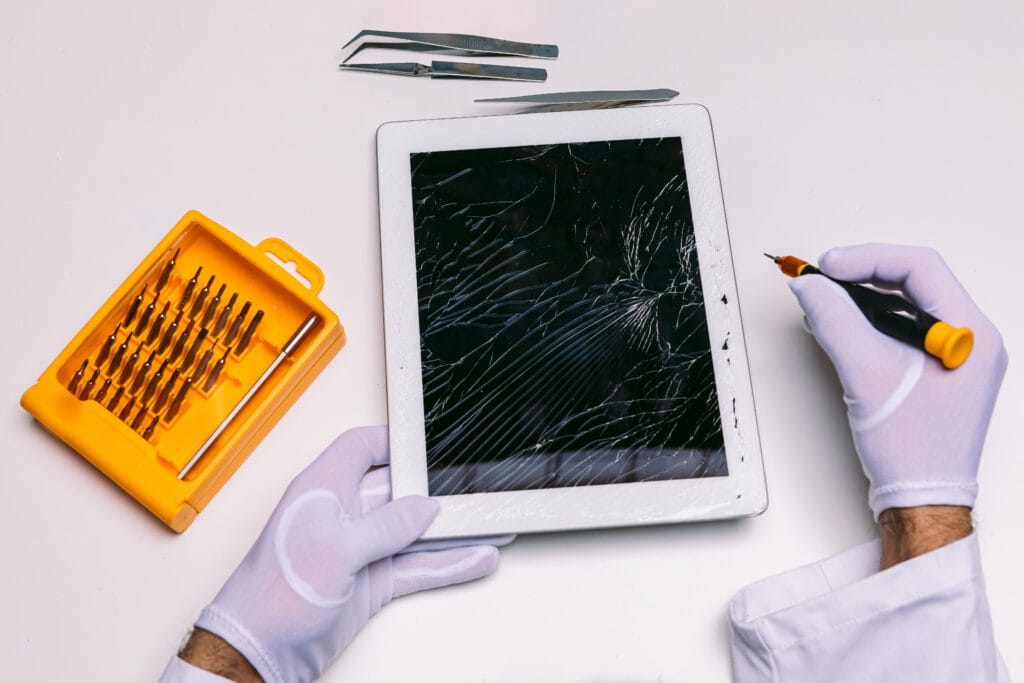
Expert iPad Screen Repair & Replacement Services in Dubai by Techman Are you facing issues with unresponsive touch? Screen cracking and damage are some of the issues faced by iPad users. Whether it is a scratch, drop, or crack, a damaged iPad can affect your work, entertainment, and daily use.Here are the solutions by Techman for all your iPad screen issues. We are offering expert iPad screen repair in Dubai and iPad replacement services that restore your device to perfect condition quickly and professionally. iPad Services How iPad Screens Get Damaged Even though iPads are built with high quality, they are still prone to damage. Here are the common causes: Accidental Drops: Even a slight fall can result in cracks or a broken display. Pressure damage: Placing heavy items or hitting the iPad hard can damage the internal display or touch sensors. Liquid spills: If the liquid is spilled or even moisture, it can cause screen glitches, touch malfunctions, or a full blackout. Overheating: Excessive heat can cause screen discolouration or pixel issues over time. Whatever it is, Techman with you has the best expertise to fix it. How to Protect Your iPad Screen We can take preventive measures before it damages. It is better than repair. Here are some preventive measures to safeguard your iPad screen Use tempered glass: It gives extra protection from cracks and scratches. Use quality cases: It can prevent damage from accidental drops. Avoid extreme temperatures: avoid using the iPad in extreme climatic conditions. Handle with care: Avoid hitting and avoid placing the edges of the tables, etc. Still, there is the chance of damaging your iPad, but don’t worry; Techman’s iPad service in Dubai is with you to solve your iPad screen issues. Common iPad Screen Problems Techman Fix Techman can solve all the issues related to the iPad. We are experts in repairing iPads. Here are some issues for which we are giving solutions: Cracked or broken glass Unresponsive touchscreen Black spots or lines on display Flickering Screen Dead pixels Liquid damage Whether it is a minor issue or a major issue, Techman’s technicians are ready to provide the best iPad touchscreen repair in Dubai. Repair or replace screens? Explain the difference clearly Do I need a screen repair or a full replacement? This question is frequently asked by customers. Let’s break it down: Screen repair: If the damage is caused to the outer glass only, the display and touch work fine; you may only need a glass repair. Screen replacement: A complete iPad display replacement is only necessary when the screen is unresponsive, has a complete blackout, or has internal damage. Techman’s expert technicians will identify the problem and suggest the best and most affordable services for you. Why Choose Techman for iPad Screen Repair in Dubai Here are the services offered by Techman: Certified technicians High-quality OEM parts Fast repairing Affordable pricing Warranty Whether you need iPad cracked screen repair in Dubai or complete iPad display services, Techman offers the best iPad repair service in Dubai. Areas Techman Serves in Dubai Techman provides iPad screen repair and replacement services across all major areas in Dubai, including: Downtown Dubai Dubai Marina Business Bay Jumeirah Deira Al Barsha Bur Dubai JLT and JVC If you need an iPad repair technician at your doorstep? Techman is there with the best services. iPhone Screen Repair & Replacement in Dubai Apart from iPads, Techman also specialises in iPhone screen replacement in Dubai. Whether you own any model or generation of iPad, our team offers: Fast and reliable iPhone screen repair in Dubai Genuine parts for a flawless finish Screen diagnostics and post-repair checks If you’re looking for both iPad and iPhone screen repair services in Dubai, Techman is your all-in-one solution. Get Your iPad Screen Fixed by Techman A broken iPad screen can affect your workflow and day-to-day usage. At Techman, our expert team offers high-quality iPad screen repairs using genuine Apple parts and advanced tools. We provide rapid service, affordable rates, and excellent customer support. Contact us today for the best iPad screen repair in Dubai. Your device is in safe hands with Techman. iPad Services Frequently Asked Questions How long does iPad screen repair take? Most repairs are completed according to the damage. Will I lose my data during screen replacement? No, but we recommend backing up your data as a precaution. Do you use genuine Apple parts? We use OEM-quality parts that are equivalent in quality and compatibility. Is there a warranty for the screen repair? Yes, we offer a service warranty. Can I book online for pickup and repair? Yes, you can book through our website or call our service online.

Expert iPad Screen Repair & Replacement Services in Dubai by Techman Read More »

Apple service in Dubai

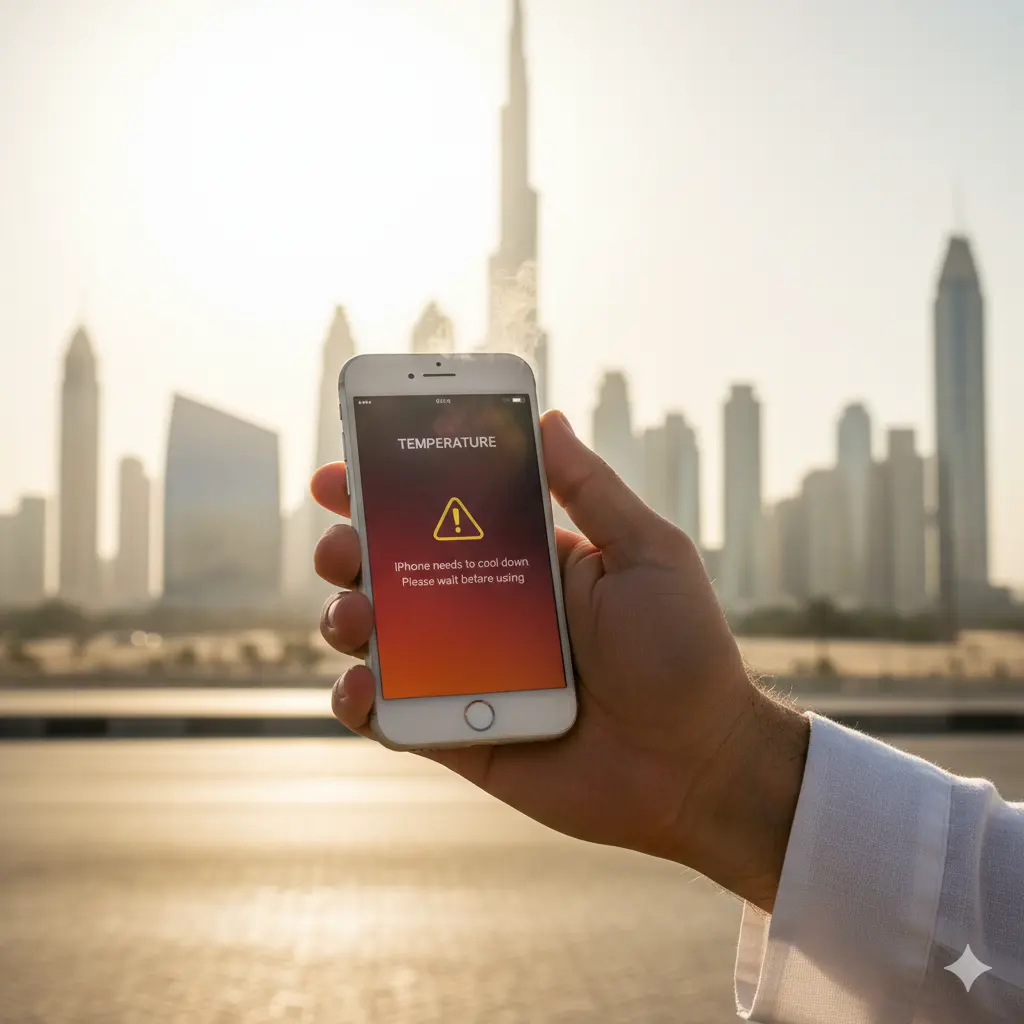
How to Extend the Lifespan of Your Apple Devices in Dubai’s Climate

Living in Dubai means you are familiar with the intense desert heat and the sticky humidity that comes with one of the most extreme climates on the planet. This kind of weather is hard on us, but it is equally hard on our gadgets. Whatever you have, from your MacBook to your iPhone, the devices we depend on a day-to-day basis are crucial to our lives, and we all need to make sure they last a long time.

How to Extend the Lifespan of Your Apple Devices in Dubai’s Climate Read More »

How to Protect Your iPad from Water Damage and What to Do If Accidents Happen

How to Protect Your iPad from Water Damage and What to Do If Accidents Happen If you own an iPad, you are aware of how much you depend on it for work, play, and everything else! Water damage is one of the main risks to the health of your iPad. Accidents happen all the time, and if your iPad gets wet, the water can seep into the internal parts of the device, leading to corrosion, short circuits, and even total failure.  We at TechMan provide the best iPhone repair & services in Dubai, and in this article, we will go over how to prevent water damage to your iPad and what to do in the event that it does happen. Prevention is better The old saying ‘an ounce of prevention is worth a pound of cure’ is especially true when it comes to water damage. Here are some simple and effective ways to protect your iPad from water damage:   Use a waterproof case: Invest in a high-quality, waterproof case for your iPad. Choose cases with IP68 or higher ratings to keep your iPad safe even if an accident happen. Apply a screen protector: A screen protector with a waterproof coating or a tempered glass protector can help prevent water from seeping into your iPad’s screen.  Keep your iPad away from water sources: As obvious as it sounds, avoiding using your iPad near water sources, such as sinks, toilets, and bathtubs, can significantly reduce the risk of water damage. Avoid humid environments: Highly humid climates can also affect your iPad, so be careful to use it in a well-ventilated area; if you live in a humid area, invest in a good dehumidifier. What to do if your iPad gets wet Even when you are careful, sometimes accidents can still happen. If your iPad ever gets wet, you need to act fast to prevent the water damage from escalating; the sooner you respond, the better! Turn off your iPad: If your iPad is wet, your first step should be to immediately turn it off to prevent any short circuits that could cause further damage. Remove accessories: Take off any accessories, such as cases or screen protectors, to help your iPad dry faster. Dry the exterior: Gently pat the exterior of your iPad with a soft cloth or paper towel to dry it. Use desiccants: Place your iPad in a container filled with desiccants, such as silica gel packets or uncooked rice, to absorb any remaining moisture from the device. When to seek professional help If you have followed the steps above and your iPad is still not functioning properly, it’s time to seek professional help! At Techman, we offer the best iPhone repair & services in Dubai, and our expert technicians can assess and repair your water-damaged iPad. Here are some reasons why you should choose us for tech support in Dubai: Expert technicians: Our team consists of highly skilled and experienced technicians who specialize in repairing iPhones, iPads, and other Apple devices. They have the knowledge and expertise to diagnose and fix complex problems quickly and efficiently. Fast and reliable service: At Techman, we understand how important it is for you to get your device back up and running as soon as possible. We offer fast and reliable services, including doorstep tech support and pickup and delivery services, to help you get back to your daily routine with your device as soon as possible. Quality replacement parts: We only use high-quality, genuine Apple replacement parts. This ensures that your device is repaired to the highest standards and will continue to function as normal. Warranty and support: We stand behind the quality of our work and offer a warranty on all repairs. Our dedicated support team is always available to answer the questions or concerns you may have. Convenience: We have tech hubs at convenient locations all over the country, making it easy to drop off and pick up your device. We also offer Techvan service that offers tech support at your doorstep as well as a convenient pickup and delivery service. Trust and reputation: Techman has built a reputation for providing the best iPhone repair & services in Dubai and customer support. So you can trust us to get the job done right and fast! Conclusion Water damage can completely ruin an iPad, but acting fast can help you minimize the damage. The tips mentioned above will help you keep your iPad safe from water damage and know what to do if accidents happen. Remember, if your iPad does get wet, act fast, and don’t hesitate to seek professional help if needed. Contact Techman today to learn more about our repair services and how we can help you get your iPad back up and running! View this post on Instagram A post shared by Techman Dubai (@techman.ae) Quick Links iPhone Repair iPad Repair MacBook Repair Apple Watch Repair Samsung Repair Instagram Facebook-f Linkedin-in Youtube Tiktok All Post BLOG Uncategorized   Back iPhone iPad MacBook Apple Watch Fast Battery Drain or Charging Failure? When to Visit a MacBook Repair Center in Dubai 21/08/2025 Flashing Lines on Your iPhone Screen? A Guide to Display Repairs in Dubai Silicon Oasis.​ 19/08/2025 Got Problems? We’ve Got Solutions Book Now!

How to Protect Your iPad from Water Damage and What to Do If Accidents Happen Read More »

Call Now Button